
Overview
A focused digital resource designed for practical use.
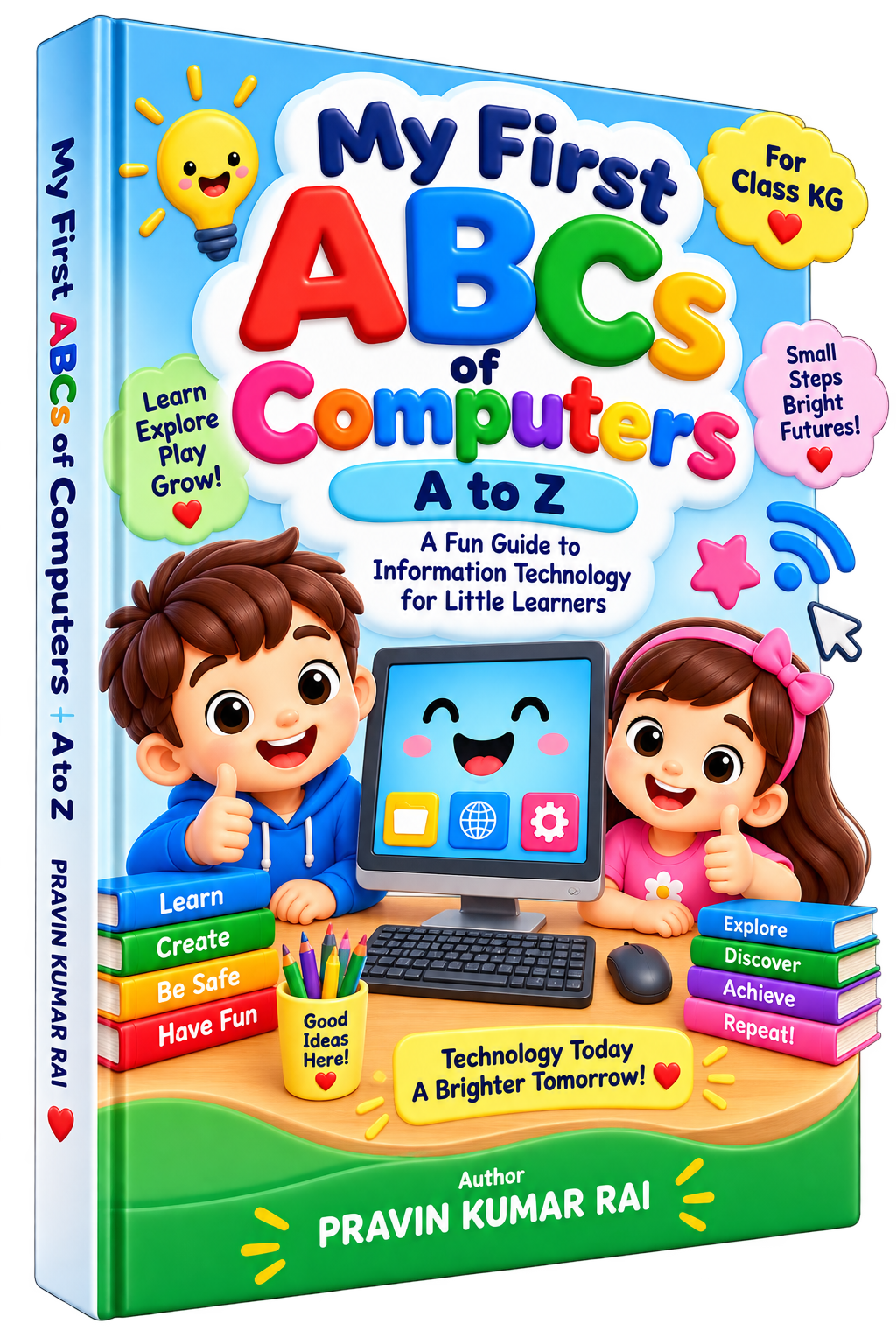
My First ABCs of Computers is a colorful beginner-friendly Information Technology eBook created especially for KG and early learners. The book introduces children to the world of computers and digital technology through the familiar A–Z alphabet format. Each letter represents an easy-to-understand technology concept—from A for Apps, B for Button and C for Computer to W for Wi-Fi, X for X Button and Z for Zoom. Every lesson combines a large alphabet letter, a technology word, a simple child-friendly explanation, and bright illustrations to make learning enjoyable and memorable. After completing A–Z, children can reinforce their learning through fun exercises including matching, look-and-circle activities, missing letters, computer-friend identification, an A–Z computer challenge, and alphabet writing practice. The book is designed to encourage children to Learn, Explore, Create and Be Safe while developing their first understanding of computers and technology. Ideal for: KG students, preschoolers, early learners, parents, teachers, schools and activity-based learning.
Benefits
What this helps you do
- Introduces computer concepts from A to Z
- Designed especially for KG and early learners
- Builds basic computer and technology vocabulary
- Combines alphabet learning with digital awareness
- Uses colorful, child-friendly illustrations
- Simple sentences make concepts easy to understand
- Includes engaging practice exercises
- Encourages observation and visual recognition
- Provides alphabet writing practice
- Promotes safe and positive use of technology
- Suitable for learning at home and in the classroom
Learning
What you will learn
- A for Apps
- B for Button
- C for Computer
- D for Display
- E for Email
- F for Folder
- G for Games
- H for Headphones
- I for Internet
- J for Joystick
- K for Keyboard
- L for Laptop
- M for Mouse
- N for Network
- O for Online
- P for Printer
- Q for QWERTY
- R for Robot
- S for Screen
- T for Tablet
- U for USB
- V for Video
- W for Wi-Fi
- X for X Button
- Y for YouTube Kids
- Z for Zoom
Inside the eBook
Chapter overview
Contents
A is for Apps
B is for Button
C is for Computer
D is for Display
E is for Email
F is for Folder
G is for Games
H is for Headphones
I is for Internet
J is for Joystick
K is for Keyboard
L is for Laptop
M is for Mouse
N is for Network
O is for Online
P is for Printer
Q is for QWERTY
R is for Robot
S is for Screen
T is for Tablet
U is for USB
V is for Video
W is for Wi-Fi
X is for X Button
Y is for YouTube Kids
Z is for Zoom
Exercise 1 – Match Me!
Exercise 2 – Look, Think & Circle!
Exercise 3 – Can You Find the Missing Letters?
Exercise 4 – Guess the Computer Friend!
Exercise 5 – I Am a Computer Star!
Let’s Write the Alphabet
The End – You Did It!
Responsible Digital Learning
Use the material thoughtfully and verify important outputs.
Digital guides are learning resources. When a product discusses AI, administration, finance, policy or other important decisions, review facts and apply your own professional judgment.